
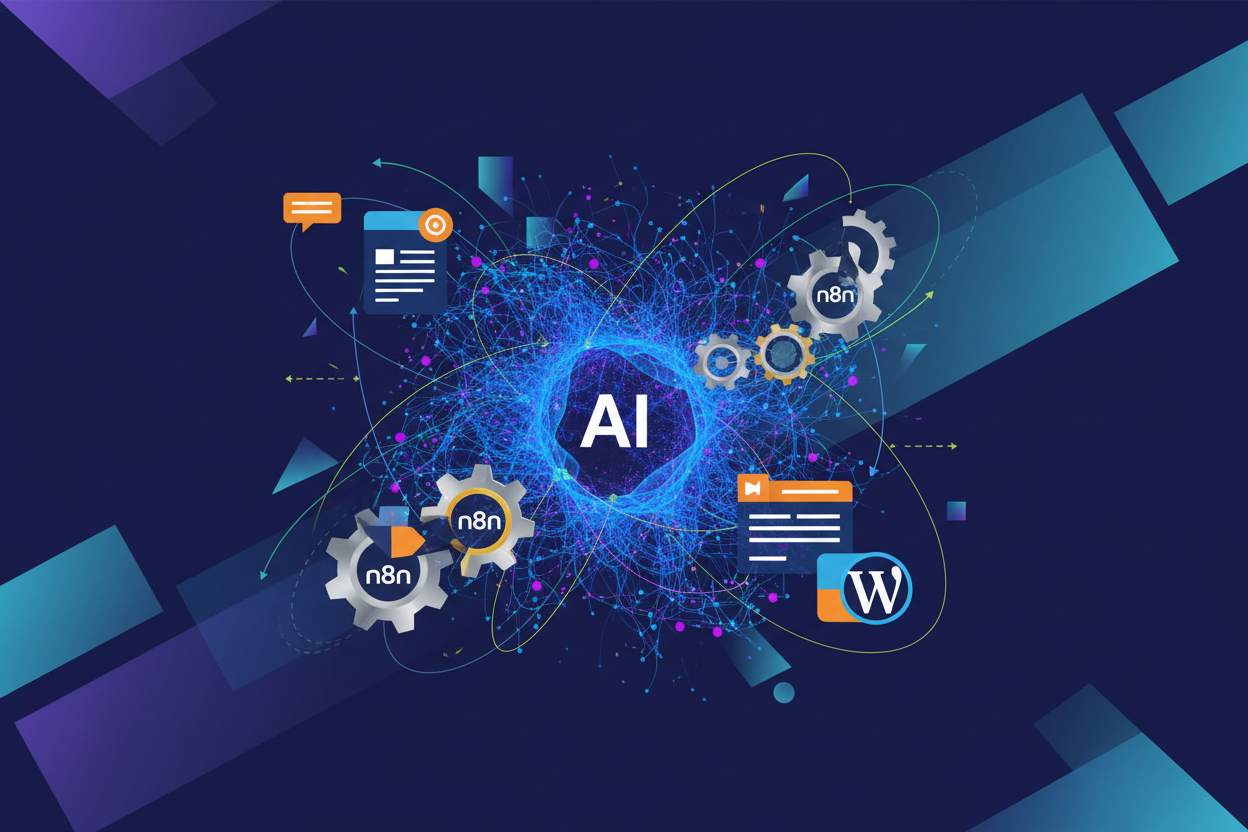
Effortlessly Generate and Publish Content with AI and Automation
Discover how n8n, coupled with AI tools like OpenRouter and the WordPress REST API, can revolutionize your content creation process. Automate the generation and publishing of blog posts, making your workflow smoother and more efficient.
Building Your Automated Content Pipeline with n8n
n8n is a digital workflow builder that connects apps like LEGO bricks for automation. It integrates services to create blog posts automatically, using AI for content generation and WordPress REST API for publishing.
Assumptions/Prereqs
- Docker installed:
docker --version - WordPress site with REST API enabled and app password
- Basic terminal access
Setup Steps
- Run n8n:
docker run -it --rm --name n8n -p 5678:5678 -v ~/.n8n:/home/node/.n8n n8nio/n8n
- Open
http://localhost:5678in browser, set up admin account. - Create workflow: Click New > Add Schedule Trigger node.
- Add AI Agent node: Connect to OpenAI, prompt
Write a blog post about [topic]. - Add WordPress node: Set site URL, app credentials, action Create Post.
- Connect nodes, click Execute Workflow.
Verify
n8n executions list --json | grep success
Check WordPress posts.
Common Issues
- Docker port busy:
docker stop n8n; docker rm n8n - AI auth fail: Verify OpenAI API key in node credentials.
- WP 401: Regenerate app password in WP admin.
AI Content Generation and Seamless Publishing
Assumptions/Prereqs:
- n8n installed from previous chapter
- OpenRouter API key from openrouter.ai
- WordPress site with REST API enabled + Application Password
- Basic n8n workflow knowledge
Step-by-Step:
- Add OpenRouter (HTTP Request node):
POST https://openrouter.ai/api/v1/chat/completions Headers: Authorization: Bearer YOUR_OPENROUTER_KEY Content-Type: application/json Body: { "model": "openai/gpt-4o-mini", "messages": [{"role": "user", "content": "Write blog post about Linux automation"}] } - Parse JSON response: Use
Codenode:return [{json: {title: $json.choices[0].message.content.split('\n')[0], content: $json.choices[0].message.content}}]; - WordPress Publish (HTTP Request):
POST https://yoursite.com/wp-json/wp/v2/posts
Headers:
Authorization: Basic base64(username:application_password)
Content-Type: application/json
Body:
{
  "title": "{{ $json.title }}",
  "content": "{{ $json.content }}",
  "status": "publish"
}
Verification:
curl -u username:app_pass https://yoursite.com/wp-json/wp/v2/posts?per_page=1Common Failures + Fixes:
- 401 Unauthorized: Check WP Application Password format
- 429 Rate Limit: Add
IFnode +Wait(60s) + retry - OpenRouter 402: Top up credits at openrouter.ai
- Empty content: Add error notification (Email/Slack node)
Image Integration: Add DALL-E via OpenRouter same endpoint, model: openai/dall-e-3, save URL to WP featured_media.
Automate AI→WP publishing. Experiment now!