
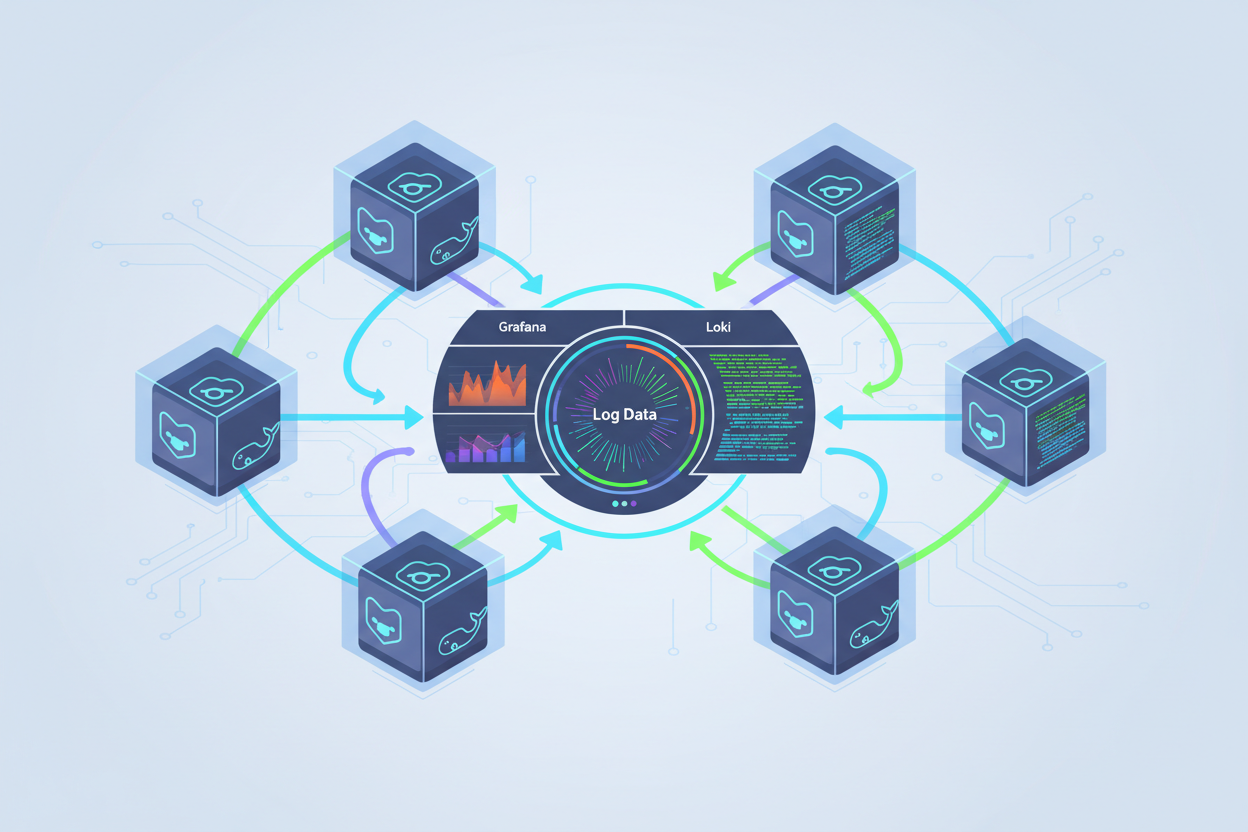
Ship Container Logs to Loki and Grafana on Ubuntu
Setting Up Your Centralized Logging Infrastructure
Assumptions: You have a running Ubuntu server with root/sudo access and an active internet connection.
1. Install Docker:
sudo apt update
sudo apt install -y apt-transport-https ca-certificates curl software-properties-common
curl -fsSL https://download.docker.com/linux/ubuntu/gpg | sudo gpg --dearmor -o /usr/share/keyrings/docker-archive-keyring.gpg
echo "deb [arch=$(dpkg --print-architecture) signed-by=/usr/share/keyrings/docker-archive-keyring.gpg] https://download.docker.com/linux/ubuntu $(lsb_release -cs) stable" | sudo tee /etc/apt/sources.list.d/docker.list > /dev/null
sudo apt update
sudo apt install -y docker-ce docker-ce-cli containerd.io
sudo usermod -aG docker $USER
newgrp docker
Verification: docker run hello-world. A success message indicates Docker is working.
2. Install Docker Compose:
sudo curl -L "https://github.com/docker/compose/releases/download/1.29.2/docker-compose-$(uname -s)-$(uname -m)" -o /usr/local/bin/docker-compose
sudo chmod +x /usr/local/bin/docker-compose
Verification: docker-compose --version. Output should show the version number.
3. Set up Promtail: Promtail is a log shipping agent. We’ll use json-file as Docker’s default logging driver.
Create a directory: mkdir -p ~/promtail && cd ~/promtail
Create docker-compose.yaml:
version: "3"
services:
  promtail:
    image: grafana/promtail:2.8.0
    volumes:
      - /var/log:/var/log
      - /var/lib/docker/containers:/var/lib/docker/containers:ro
      - ./promtail-config.yaml:/etc/promtail/config.yaml:ro
    command: -config.file=/etc/promtail/config.yaml
Create promtail-config.yaml:
server:
  http_listen_port: 9080
  grpc_listen_port: 0
positions:
  filename: /tmp/positions.yaml
clients:
  - url: http://loki:3100/loki/api/v1/push
scrape_configs:
  - job_name: docker
    docker_sd_configs:
      - host: unix:///var/run/docker.sock
    relabel_configs:
      - source_labels: ['__meta_docker_container_name']
        regex: '/(.*)'
        target_label: 'container_name'
Start Promtail: docker-compose up -d
Common failure: “docker: command not found”. Fix: Re-login or newgrp docker.
Configuring Log Shipping to Loki and Visualizing with Grafana
To ship logs with Promtail, create a configuration file named promtail-config.yaml:
server:
  http_listen_port: 9080
  grpc_listen_port: 0

positions:
  filename: /tmp/positions.yaml

clients:
  - url: http://loki:3100/loki/api/v1/push

scrape_configs:
  - job_name: docker-containers
    docker_sd_configs:
      - host: unix:///var/run/docker.sock
        refresh_interval: 5s
    relabel_configs:
      - source_labels: ['__meta_docker_container_name']
        regex: '/(.*)'
        target_label: 'container'
      - source_labels: ['__meta_docker_container_id']
        target_label: 'instance'
      - source_labels: ['__meta_docker_container_image']
        regex: '([^/]+)/([^:]+):?.*'
        target_label: 'image'
      - source_labels: ['__meta_docker_container_label_com_docker_compose_service']
        regex: '(.*)'
        target_label: 'compose_service'
      - action: replace
        source_labels: ['__meta_docker_container_log_stream']
        target_label: 'log_stream'
 pipeline_stages:
   - docker: {}
Run Promtail using Docker Compose, linking it to the Loki service:
version: '3.8'

services:
  promtail:
    image: grafana/promtail:2.9.2
    volumes:
      - /var/lib/docker/containers:/var/lib/docker/containers:ro
      - /var/run/docker.sock:/var/run/docker.sock:ro
      - ./promtail-config.yaml:/etc/promtail/promtail-config.yaml:ro
    command: -config.file=/etc/promtail/promtail-config.yaml
    depends_on:
      - loki

  loki:
    # ... (loki service from previous chapter)
Once Promtail is running, install Grafana alongside Loki and Promtail:
version: '3.8'

services:
  grafana:
    image: grafana/grafana:10.2.2
    ports:
      - "3000:3000"
    environment:
      - GF_SECURITY_ADMIN_USER=admin
      - GF_SECURITY_ADMIN_PASSWORD=admin
    depends_on:
      - loki

  # ... (loki and promtail services)
After running docker compose up -d, access Grafana at http://localhost:3000 (admin/admin).
Configure Loki as a data source in Grafana:
- Go to Connections -> Data sources -> Add data source -> Loki.
- Set the HTTP URL to http://loki:3100.
- Click Save & test.
Verify logs in Grafana: Navigate to Explore, select the Loki data source. Enter a query like {container=”/your_container_name”} to view logs. Common failure: Incorrect Promtail volume mounts, fix by verifying paths in docker compose ps and docker inspect promtail. Another is a network issue between Promtail/Grafana and Loki, check container logs and network configurations. Ensure loki in Promtail’s client URL resolves to the Loki service.