
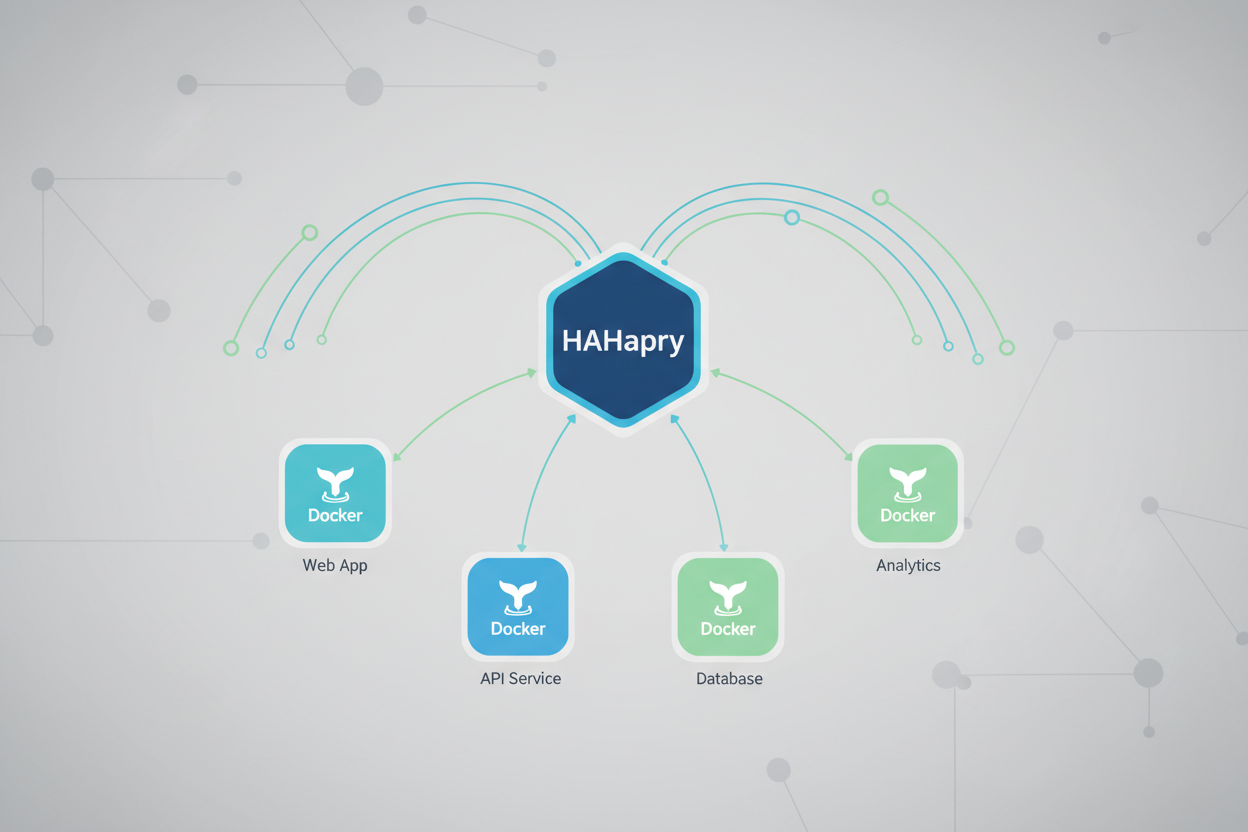
Mastering HAProxy for Scalable Docker Deployments with Advanced Routing
Learn how to transform HAProxy into a powerful reverse proxy, efficiently directing traffic to multiple Docker containers. We’ll cover essential configurations like ACLs, path routing, WebSockets, and SSL passthrough for robust and scalable applications.
Setting Up HAProxy for Docker Container Orchestration
Assuming a Debian/Ubuntu system and Docker is installed. This howto guides you through setting up HAProxy to load balance Docker containers.
- Install HAProxy:
sudo apt update sudo apt install haproxy -y - Configure HAProxy: Edit
/etc/haproxy/haproxy.cfg. - Replace
172.17.0.2and172.17.0.3with your Docker container IPs. Thefrontenddefines the entry point, thebackenddefines the Docker services, andserverdirectives point to specific containers with basic health checks. - Restart HAProxy:
sudo systemctl restart haproxy - Verification: Access your server’s IP in a browser. It should show content from your Docker containers.
curl localhost
frontend http_front
  bind *:80
  mode http
  default_backend http_back

backend http_back
  mode http
  balance roundrobin
  option httpchk GET /health
  server web1 172.17.0.2:80 check
server web2 172.17.0.3:80 checkCommon Failure Modes:
- HAProxy not starting: Check
/var/log/haproxy.logfor configuration errors aftersudo systemctl status haproxy. - Containers not reachable: Ensure Docker containers are running and their IPs are correct in HAProxy config. Use
docker inspect <container_id> | grep "IPAddress".
Advanced Routing, Security, and Conclusion
- Assumptions/Prerequisites: HAProxy is installed and running in a Docker environment, as covered in the previous chapter.
- Access Control Lists (ACLs) allow flexible routing. To route
/app1/to a service namedservice1and/app2/toservice2, edithaproxy.cfg:
frontend http_front
    bind *:80
    acl is_app1 path_beg /app1/
    use_backend service1_backend if is_app1
    acl is_app2 path_beg /app2/
    use_backend service2_backend if is_app2

backend service1_backend
    server s1 service1:8000 check

backend service2_backend
server s2 service2:8001 checkoption http-server-close and option forceclose along with timeout tunnel 1h to the backend:backend websocket_backend
mode http
option http-server-close
option forceclose
timeout tunnel 1h
server ws1 ws_service:9000 checkmode tcp and ssl offload (or tcp-request inspect-delay and tcp-request content accept if { req_ssl_hello_type 1 } for SNI-based routing with ACLs):frontend https_passthrough
bind *:443
mode tcp
default_backend secure_backend
backend secure_backend
mode tcp
server secure_app secure_docker_service:443 checkcurl http://localhost/app1/ and curl http://localhost/app2/ to verify routing. For WebSockets, use a WebSocket client. For SSL passthrough, ensure your backend server receives encrypted connections.timeout tunnel or option directives. SSL Passthrough issues typically stem from incorrect mode tcp or backend port mismatches. Ensure consistent port mapping between HAProxy and your Docker services. This advanced haproxy setup enhances a linux proxy for dynamic Docker environments.